

If documentation is part of your product, what kind of experience should you provide? And how should docs adapt when your primary audience includes both humans and LLMs?
| Before: GitBook | After: Mintlify |
|---|---|
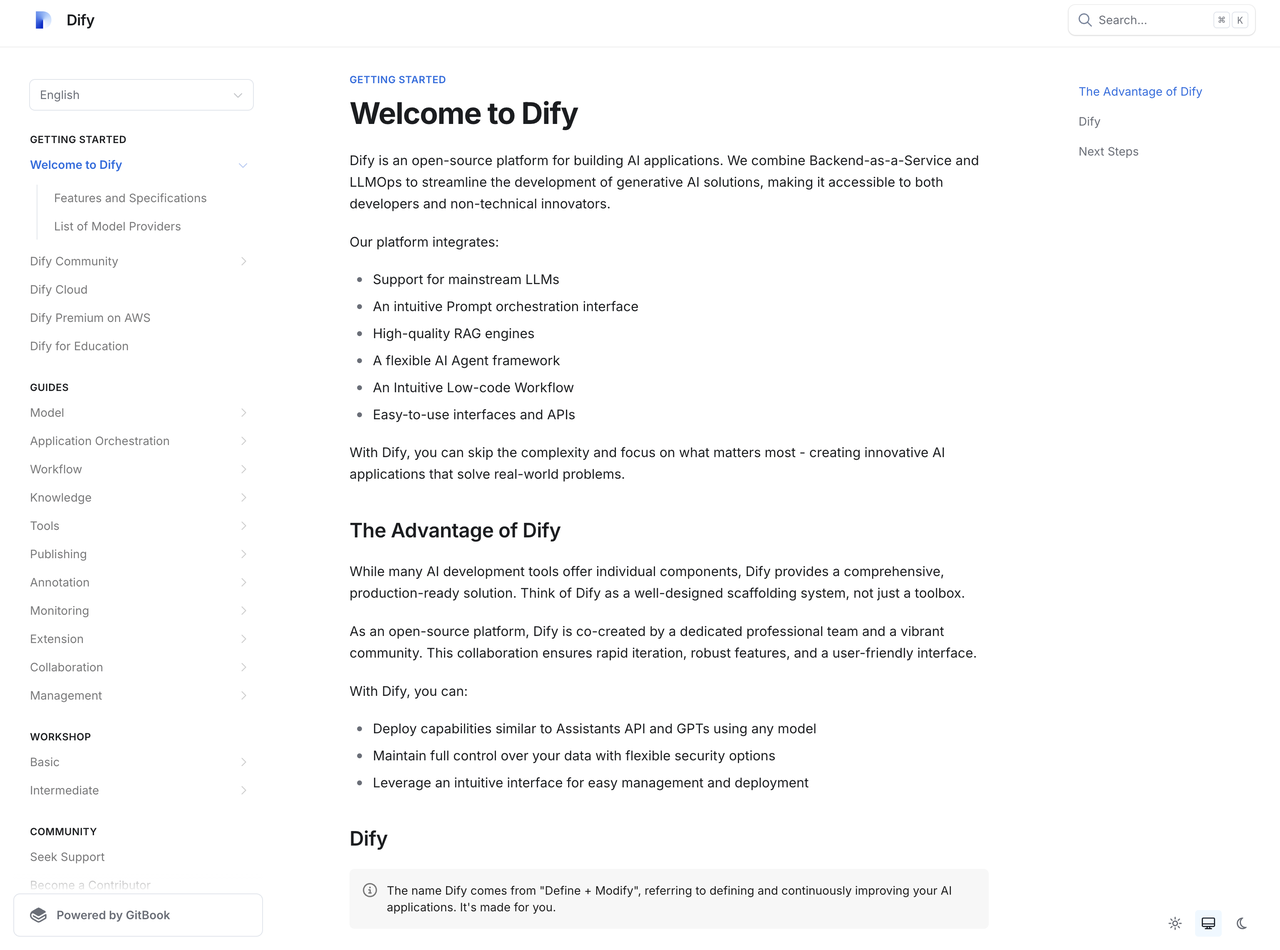 | 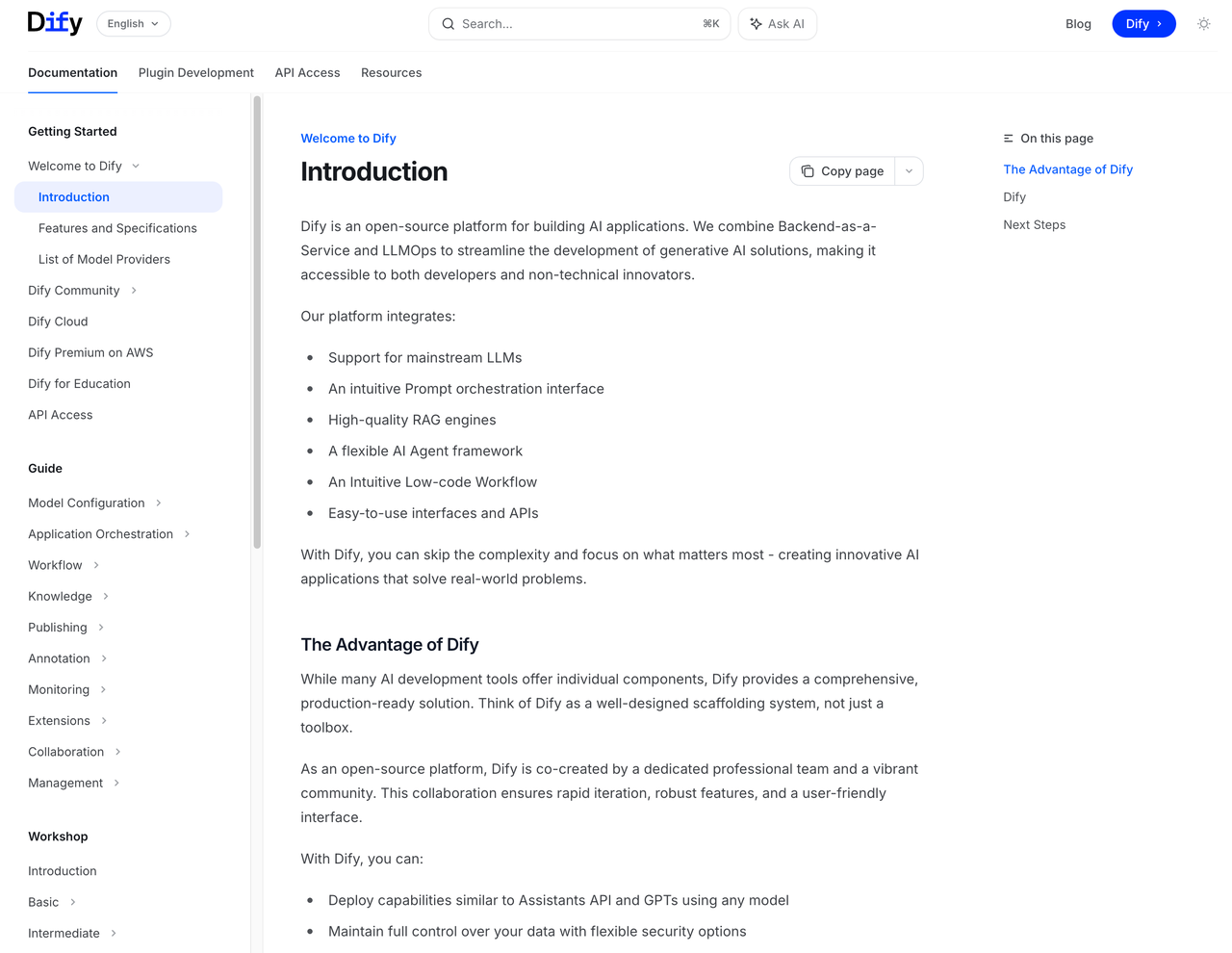 |
Why Documentation Infrastructure Matters in the AI Era
The real question isn’t whether the migration was worth it—it’s whether you’re willing to optimize your docs for AI consumption. Because here’s the thing: how knowledge systems organize information is fundamentally changing. Before AI, all software documentation was designed exclusively for humans. Layout mattered. Progressive disclosure mattered. Visual hierarchy mattered. Even SEO required careful attention to HTML structure, metadata, and sitemaps to help search engines surface your content. But LLMs don’t care about elegant typography or beautiful layouts. They care about comprehensive, well-structured content that provides rich context. While humans scan for visual cues, AI models parse for semantic meaning and completeness.How Information Discovery Is Evolving
Think about when users need documentation: when they hit a problem. The traditional path looked like this: Traditional Discovery: User encounters issue → Searches Google → Finds documentation page → Reads through content → Implements solution This created three primary user flows:- Finding content through search engines
- Browsing documentation hierarchy
- Using in-doc search functionality
 In the LLM era, the path has shifted:
AI-Powered Discovery:
User asks LLM → LLM provides solution → User gives feedback → LLM offers detailed guidance
Users no longer need to piece together information from multiple pages—they get instant, contextual answers.
In the LLM era, the path has shifted:
AI-Powered Discovery:
User asks LLM → LLM provides solution → User gives feedback → LLM offers detailed guidance
Users no longer need to piece together information from multiple pages—they get instant, contextual answers.
The Rise of Generative Engine Optimization
Large Language Models are transforming SEO. This has created an entirely new field: Generative Engine Optimization (GEO). Research predicts LLM-driven search traffic will jump from 0.25% of all searches in 2024 to 10% by the end of 2025.Research source: AI SEO Study 2024
llms.txt files.
Beyond LLM compatibility, developer tool documentation should naturally provide an excellent interactive experience. API documentation should support live testing and debugging. This established our migration goals:
- LLM-Optimized Content Make our product more likely to surface in AI responses across search engines and intelligent assistants, improving overall discoverability.
- Complete API Documentation Provide comprehensive API docs with live debugging capabilities, helping developers understand integration methods quickly and boosting adoption.
- AI-Powered Documentation Chat Enable natural language queries about our documentation, reducing support burden while improving user experience.
LLM-Optimized
Ensure documentation works well with AI models
API-First
Complete API docs with debugging functionality
AI Chat Ready
Support conversational documentation experiences
Research Before Rebuild
1. Identifying GitBook’s Limitations
Dify’s documentation had grown with GitBook since our open-source launch. But as we scaled, fundamental problems became impossible to ignore. Here’s what broke the camel’s back:Critical Issues with GitBook
Critical Issues with GitBook
GitBook isn’t built for docs-as-code.With over 600 articles and complex internal linking, we needed a platform designed for scale and sustainability.
2. Comprehensive Platform Evaluation
I believe documentation is part of the product. Any major infrastructure change requires thorough evaluation, especially during AI transformation. I researched and tested every major documentation platform, creating this comparison for our team:
After testing, I narrowed it down to Mintlify and Docusaurus.
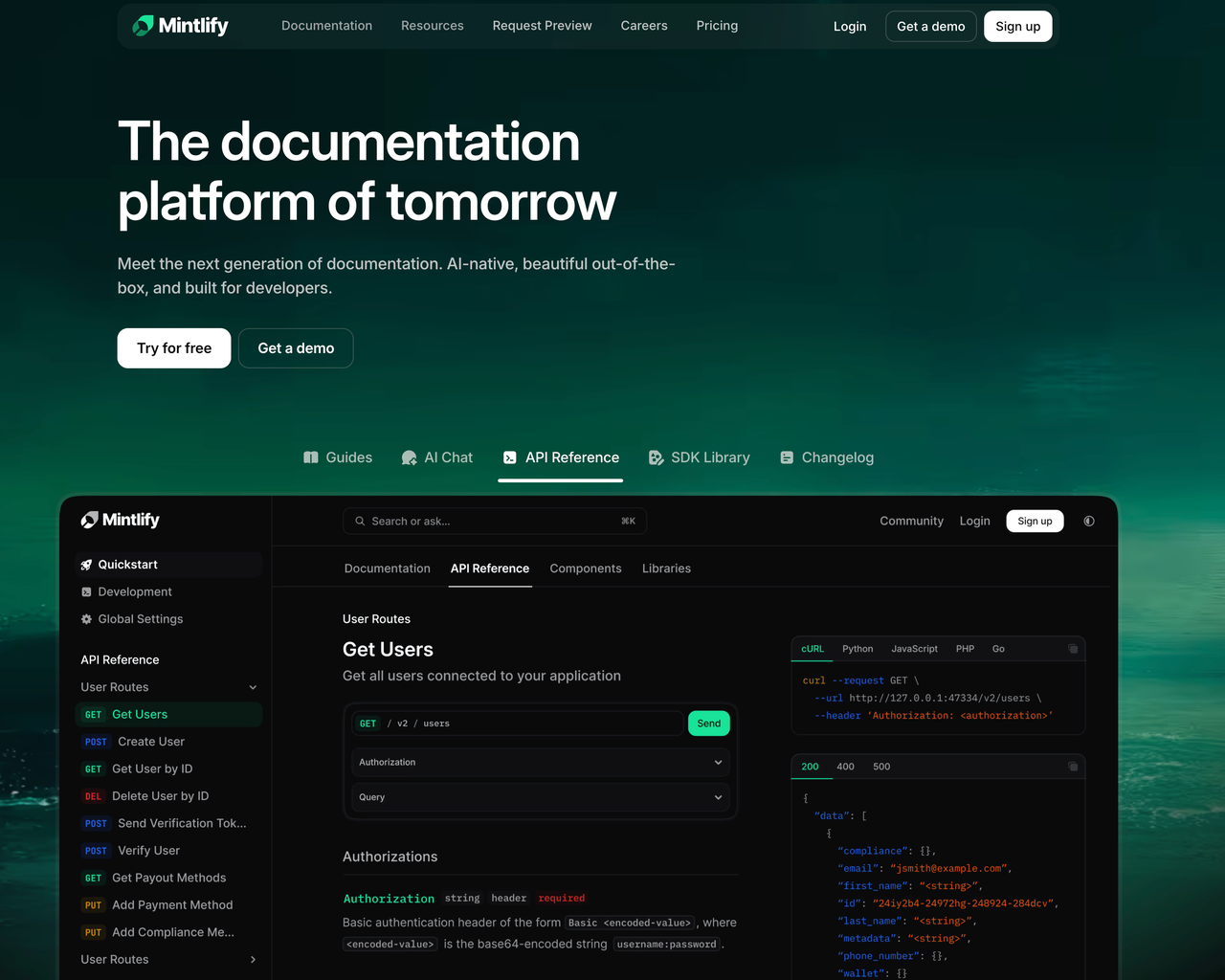
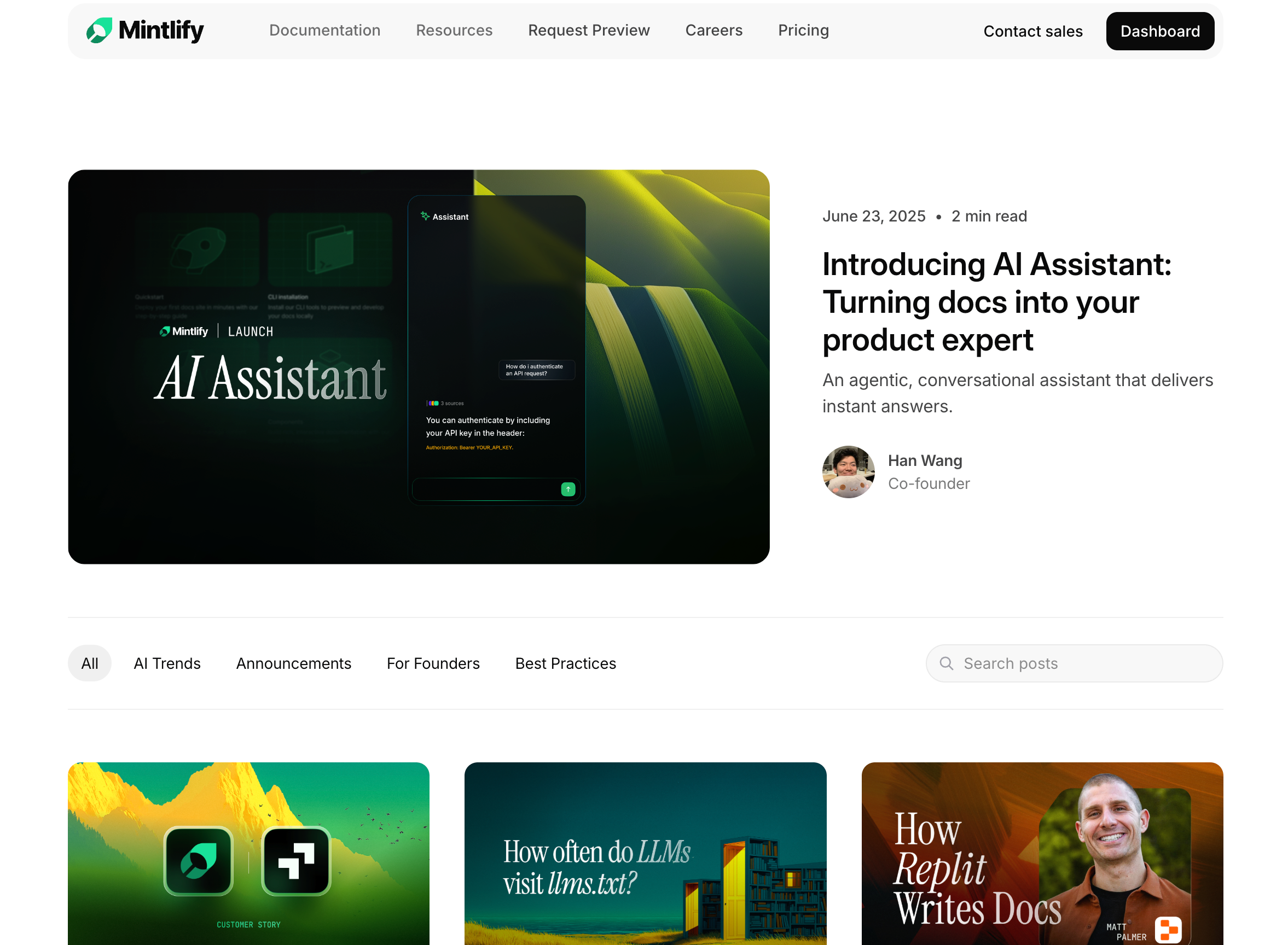
- Mintlify excelled in visual design and API auto-generation, with commercial-grade polish out of the box.
- Docusaurus offered strong extensibility but required React development skills for customization.
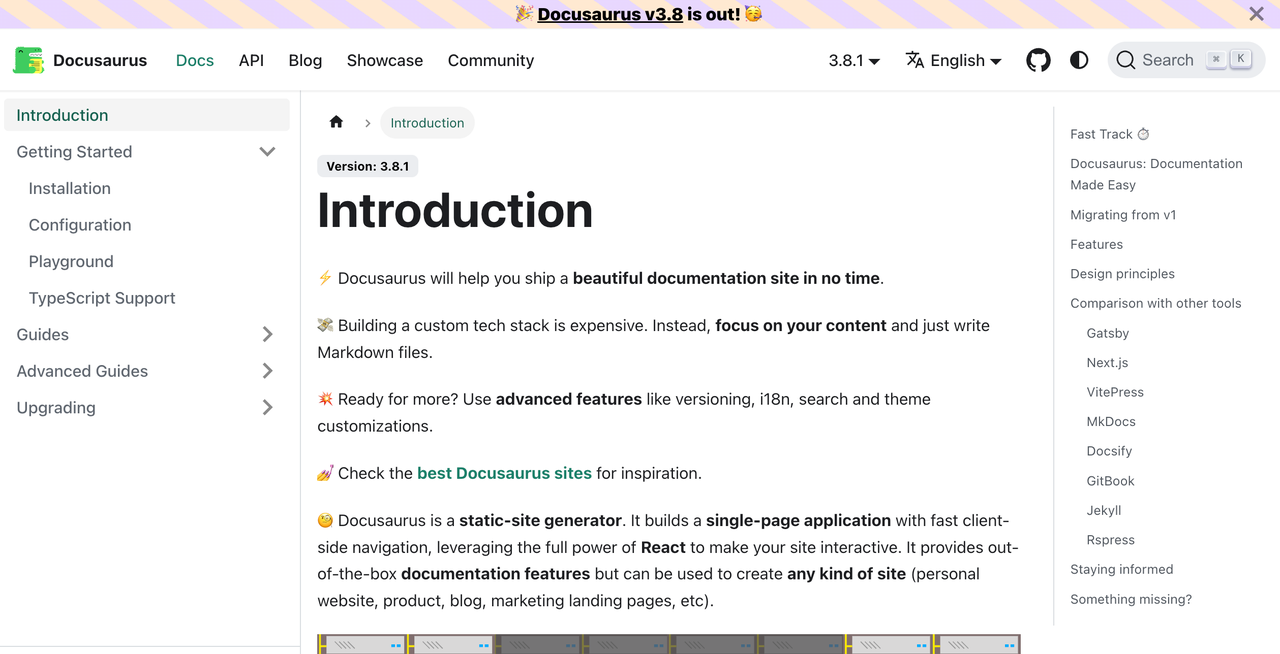 Considering maintenance overhead, out-of-the-box functionality, and AI integration potential, Mintlify won. Their blog also provides excellent insights on AI-era documentation strategy.
Execution: Tackling Migration Challenges
1. Team Alignment and Learning
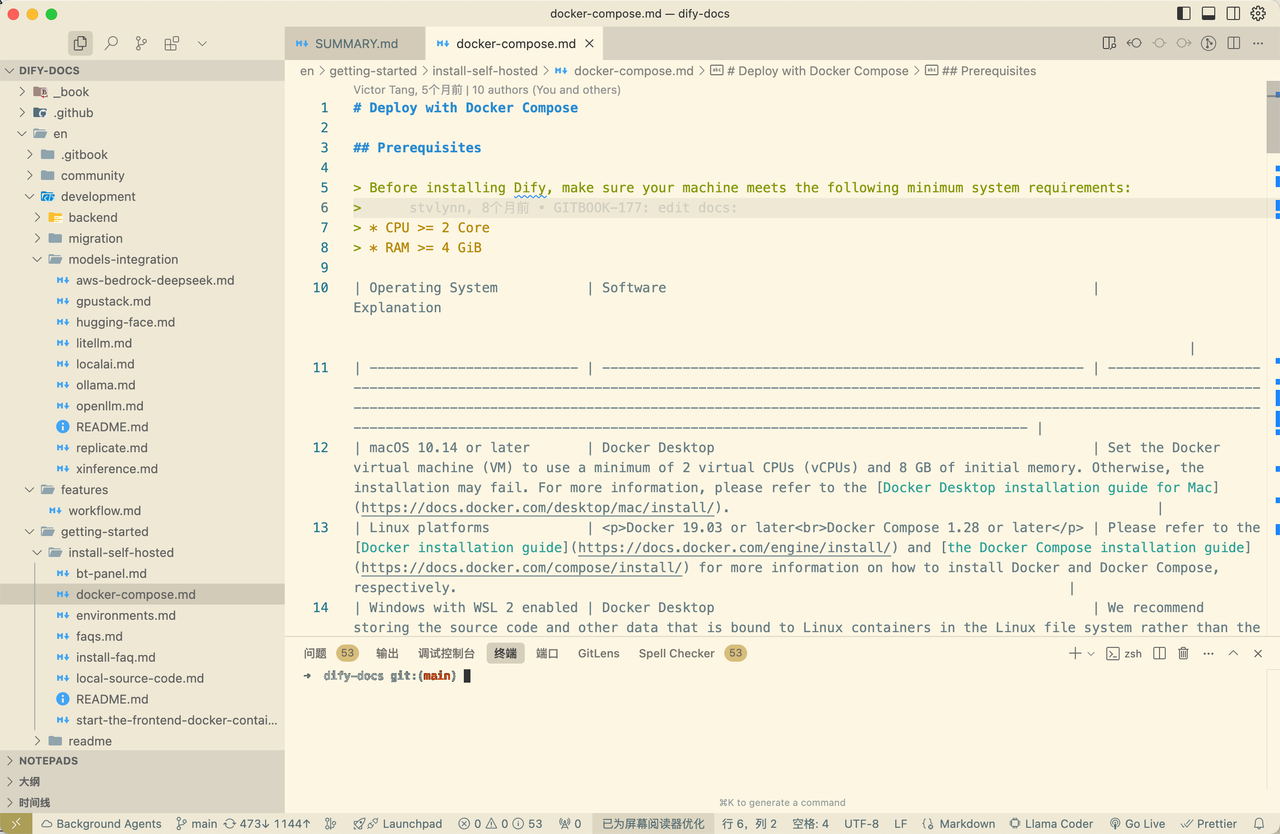
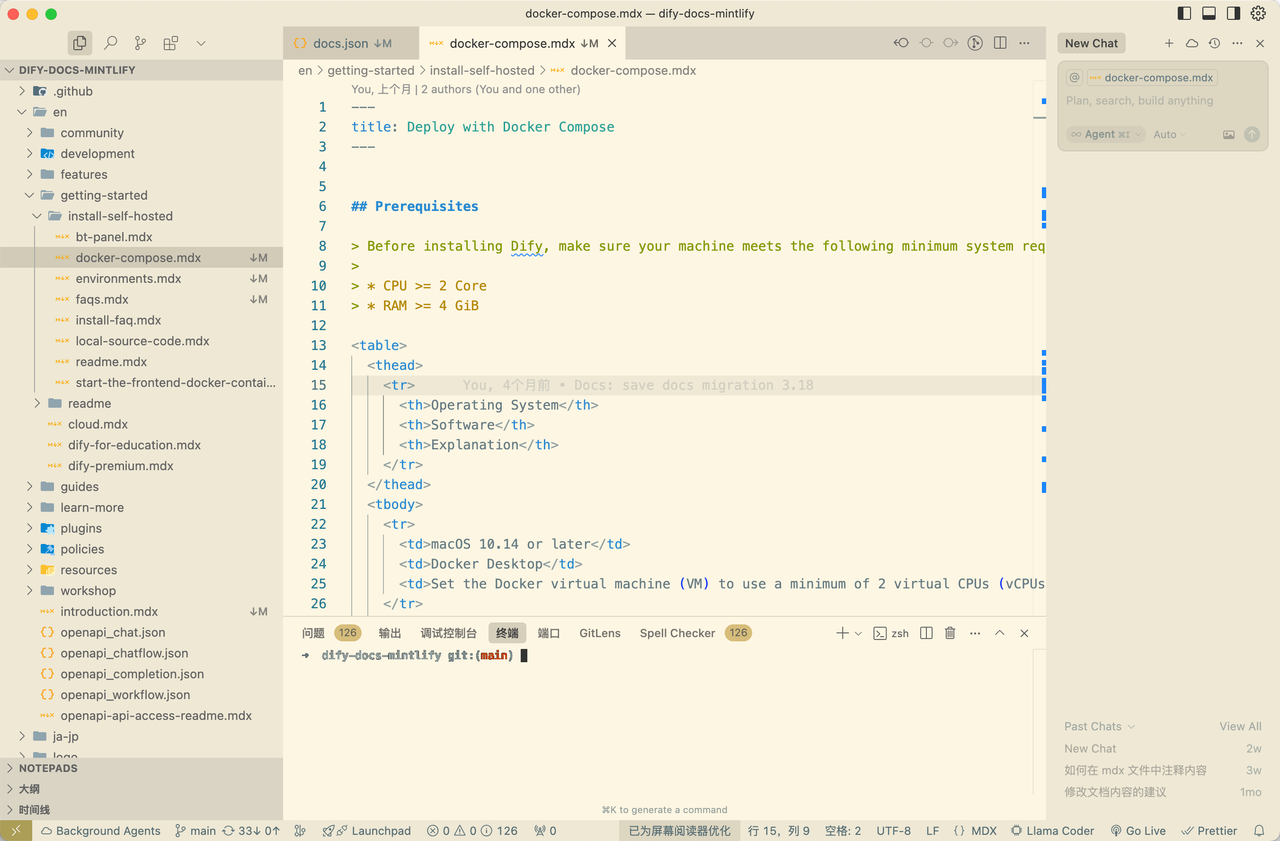
After choosing Mintlify, I immediately set up a demo environment for our technical writing team. Through multiple presentations and hands-on sessions, I built team consensus around the new platform. The migration became an intensive learning experience. I thoroughly studied Mintlify’s documentation (which showcased their technical writing expertise) to understand all supported functions, component styles, and content organization methods. One key difference: Mintlify uses.mdx instead of traditional .md files. This format combines Markdown simplicity with JSX capabilities, enabling richer interactions and component usage.
With AI assistance, format conversion became manageable rather than a barrier. What mattered more was future extensibility and intelligent tool integration.
| GitBook Syntax | Mintlify Syntax |
|---|---|
 |  |
2. Solving Core Infrastructure Problems
As I dove deeper into the migration, I identified several critical issues that needed systematic solutions.Problem 1: Image Management Chaos
Our original system lacked unified image hosting. Images were scattered throughout the repository with inconsistent naming and no CDN acceleration. GitBook’s private hosting also caused loading delays across different regions. Solution: Automated Image Infrastructure I built a Pico + S3 image hosting service with:- Automatic standardized naming to prevent conflicts
- Separation from the main code repository
- Global CDN acceleration for fast loading
- Streamlined upload experience for writers
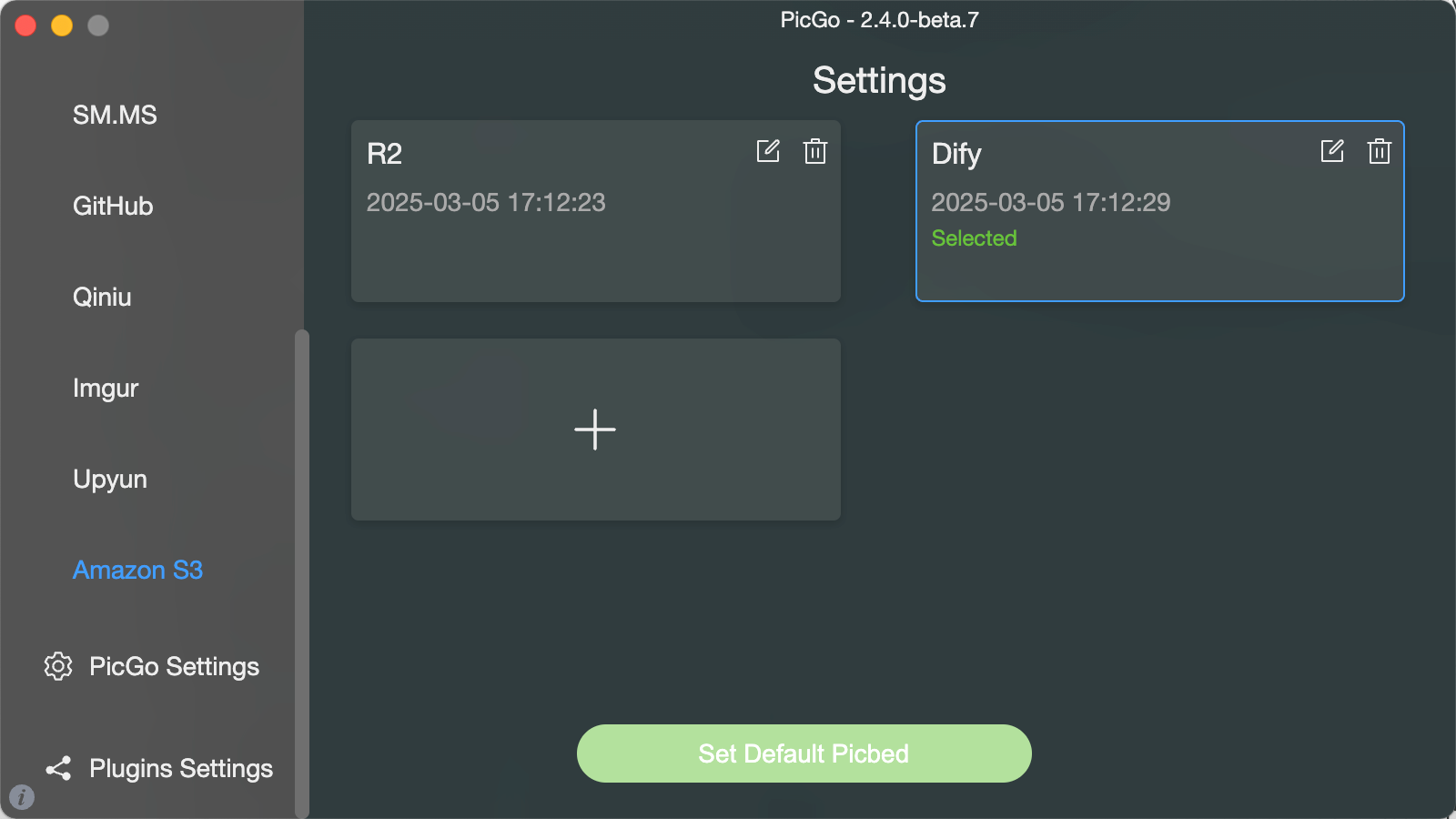 For legacy images, I had an intern write automated migration scripts, solving what could have been the most tedious part of the migration.
Problem 2: Inconsistent Syntax Formatting
GitBook’s syntax was unintuitive and error-prone. Compare these approaches for creating an info callout:{% %} syntax is not only unreadable but breaks in most Markdown environments.
Solution: AI-Powered Conversion
I built a Dify application to automatically convert documentation syntax. By providing syntax correspondence rules as context, the AI accurately transformed content while maintaining semantic meaning.
Try the MD to MDX Assistant
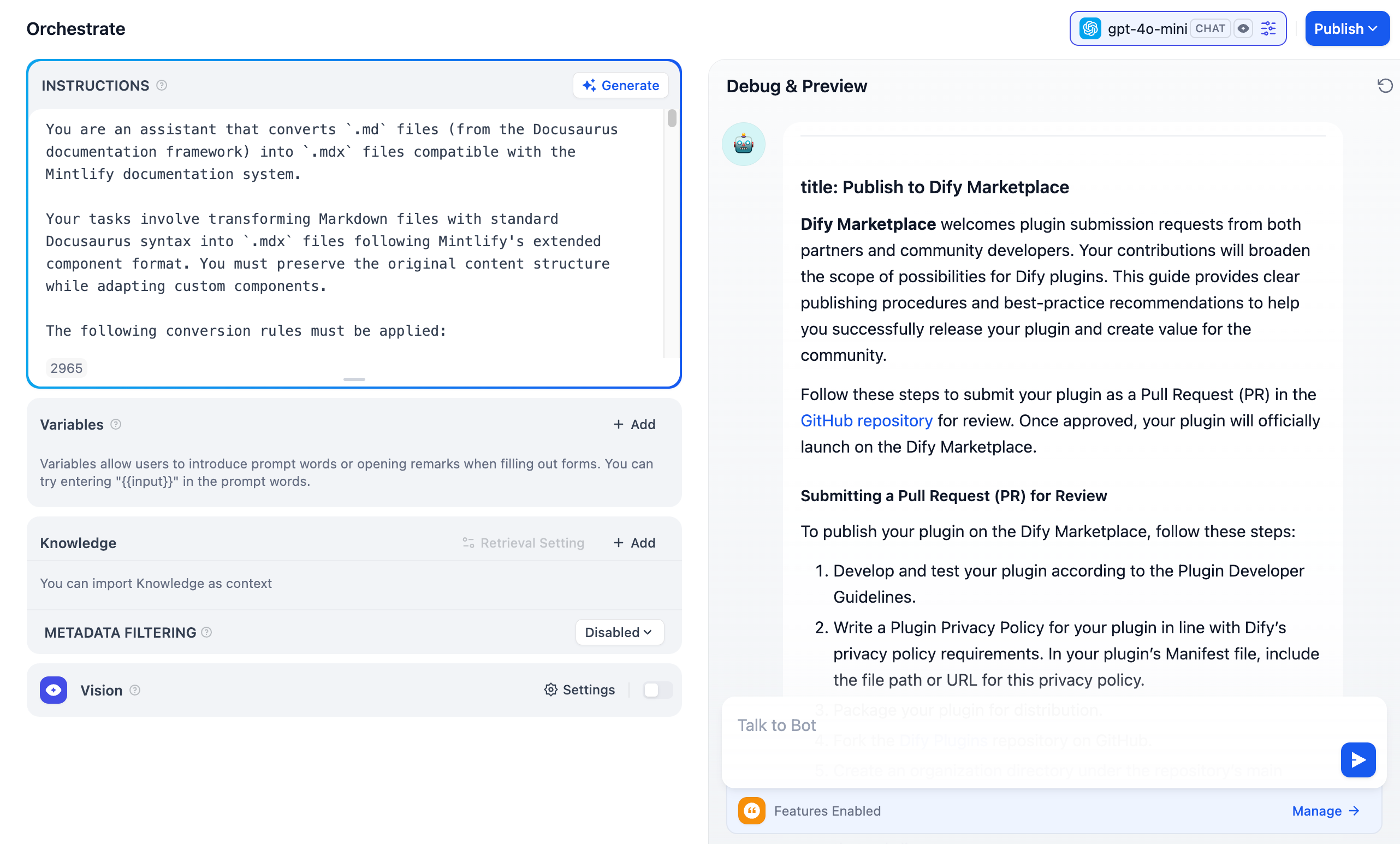
Problem 3: Complex Internal Link Management
With 600+ articles, cross-references were everywhere. Links used inconsistent formats—some complete URLs, others relative paths. Different writers had different habits, creating migration complexity. I designed a Python-based workflow:- Automatically identify all link references
- Suggest replacement paths with intelligent recommendations
- Human confirmation for accuracy
- Batch execution of verified replacements
3. Smooth Launch Execution
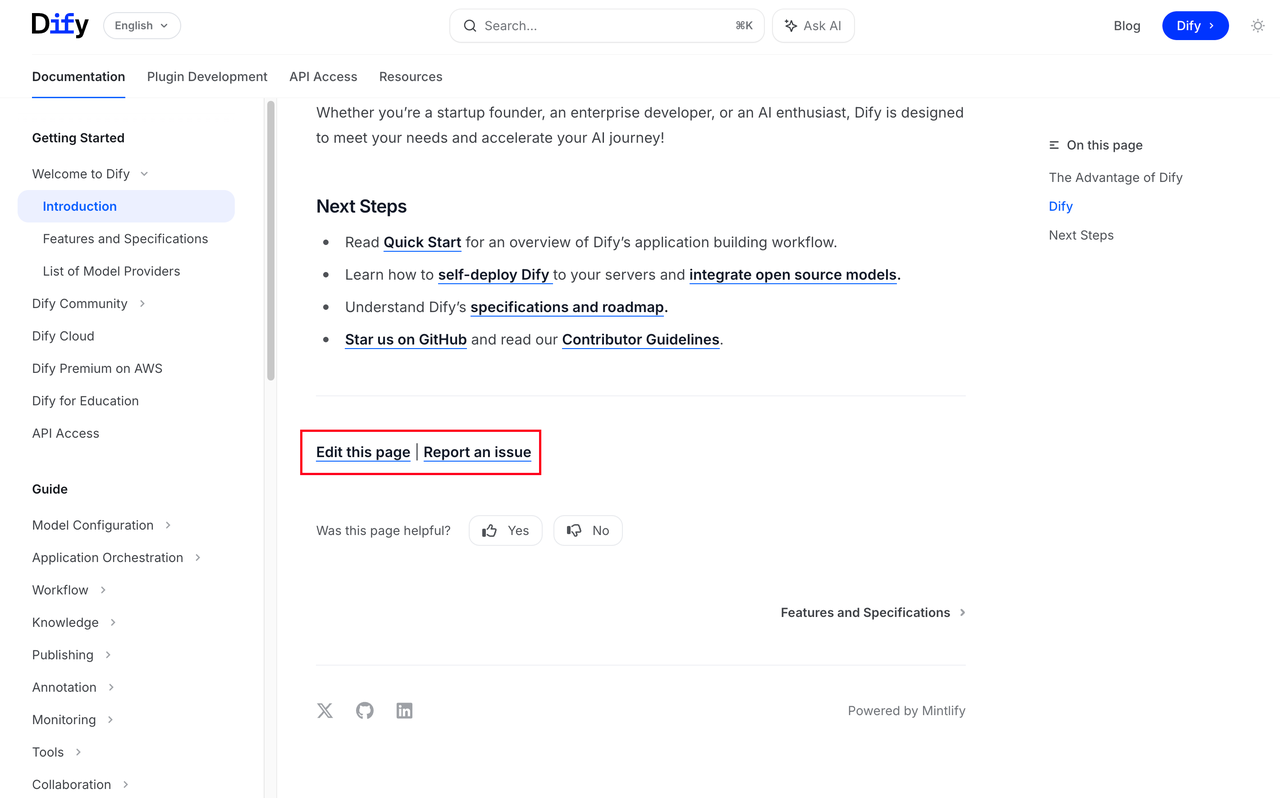
After solving infrastructure problems, I manually verified every page and link before launch. I considered A/B testing with gradual rollout but decided simplicity was better for a documentation project. The goal: stable, accessible, zero user disruption. On launch day, I monitored key pages in real-time. No failures occurred, and most users didn’t even notice the platform had changed. Visual consistency between systems and proper redirect handling enabled “invisible” migration. Post-launch, we deployed API documentation with DevRel team support, completing our structured documentation system.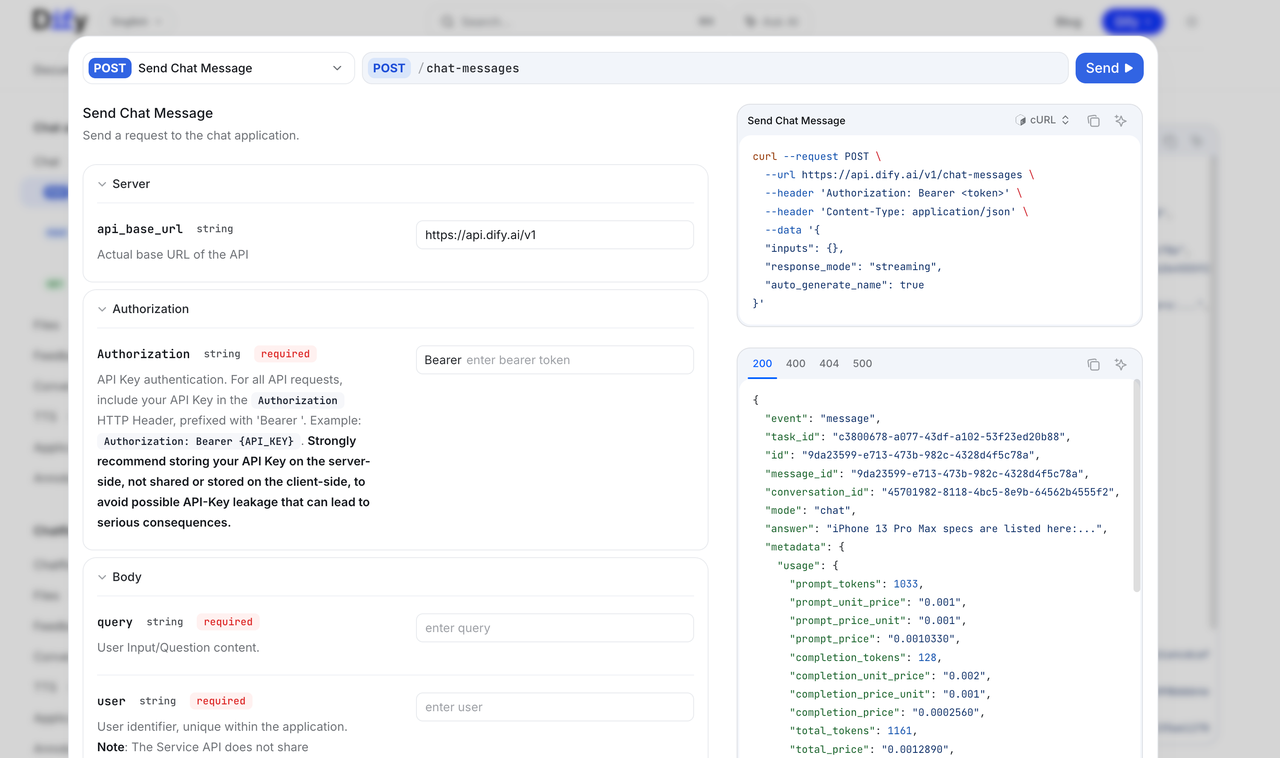 We also added automated feedback modules across all pages, creating a positive cycle of content publishing, user feedback, and iterative improvement.
The AI-First Documentation Experience
This migration validated a key insight: choosing the right platform isn’t just about features—it’s about finding a partner that shares your vision. Mintlify’s rapid innovation proved this point. When MCP became a hot topic in March 2025, Mintlify immediately supported documentation MCP functionality. I quickly wrote deployment guides to help users create dedicated documentation Q&A services:Dify Docs MCP Guide
Learn how to deploy dedicated documentation Q&A services
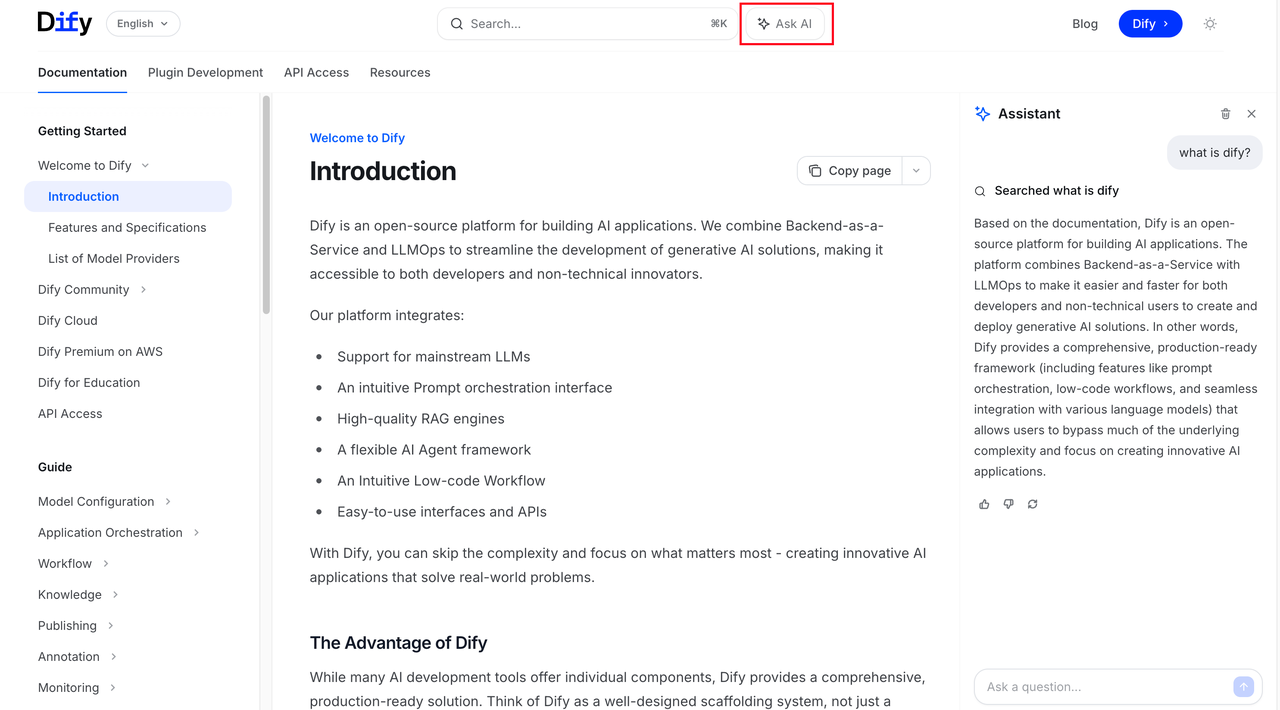
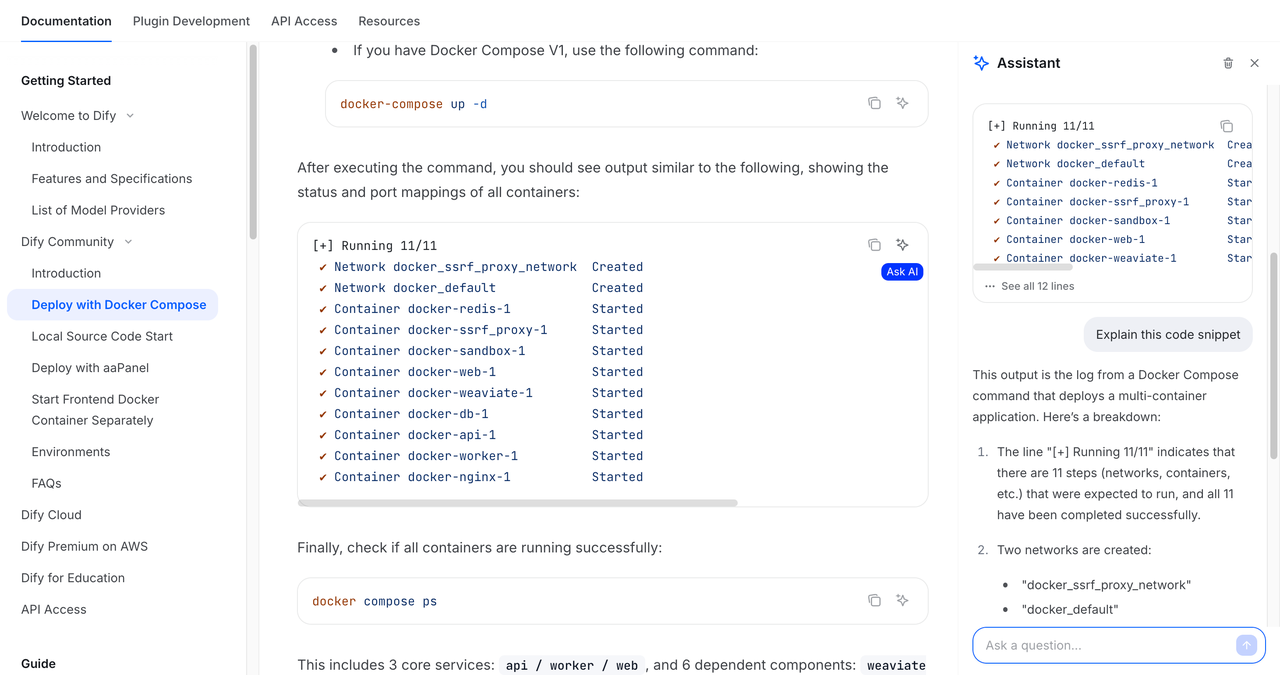
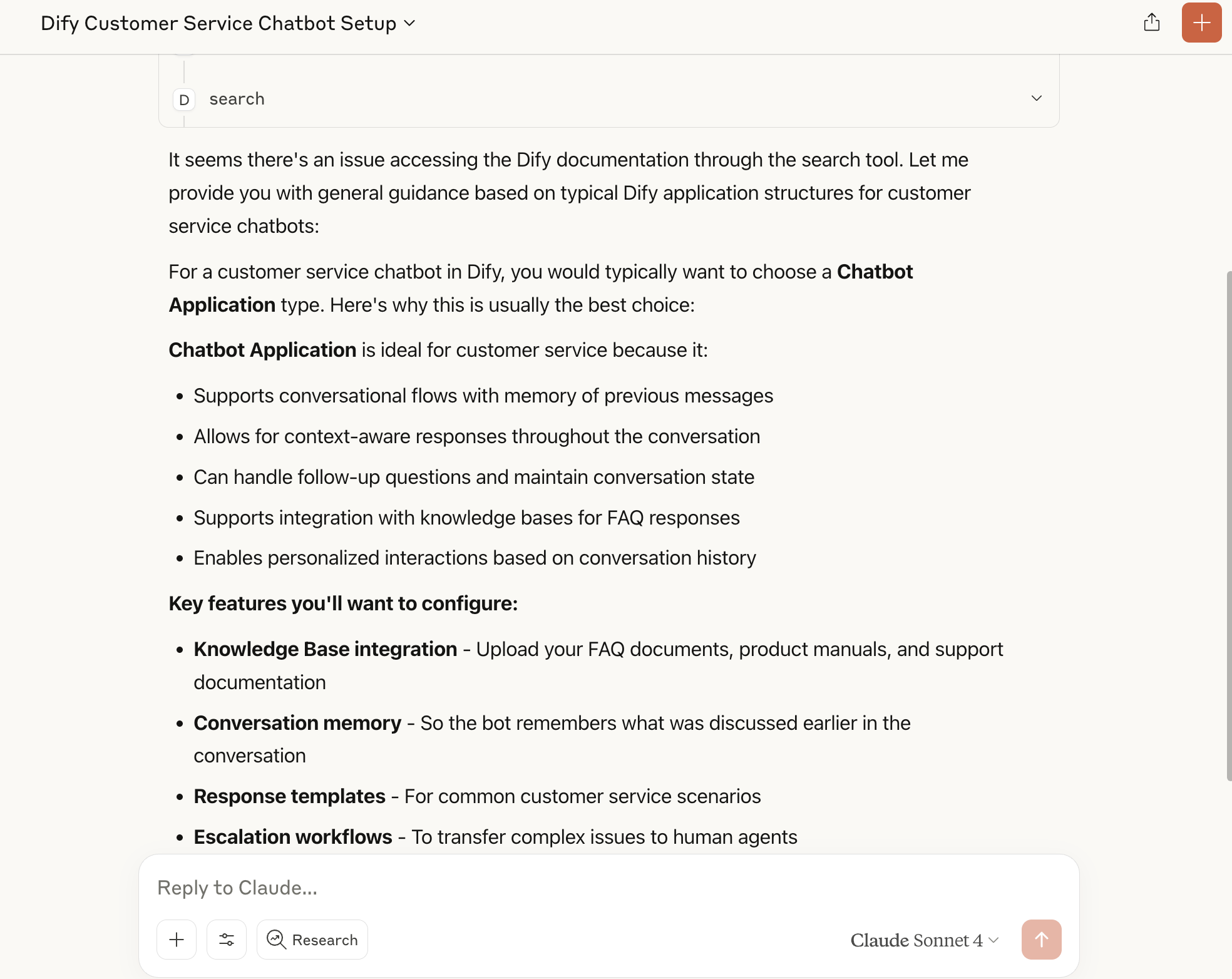 Shortly after, Mintlify launched built-in AI chat functionality. Users can now interact with AI directly within pages for real-time help with complex content or code explanations.
| Full Document AI Query | Real-time AI Assistance |
|---|---|
 |  |